

POST callbacks when key actions occur — such as a payment being completed or an order being updated.
Quick access
Headers
HTTP headers included with every webhook request
Events
List of all supported webhook event types
Request IP
IP address to whitelist for webhook delivery
Signature snippets
Code examples to verify webhook authenticity
Getting Started
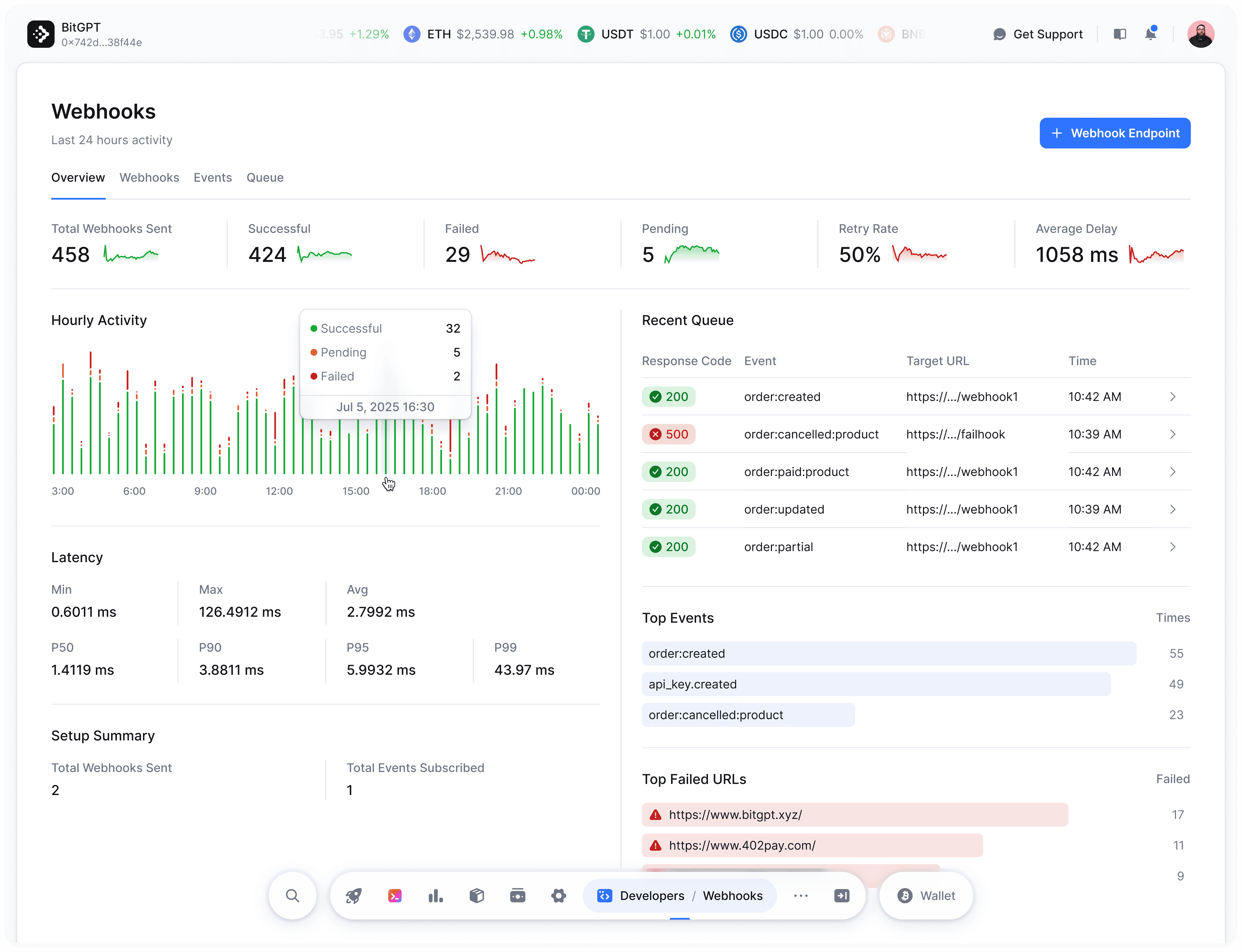
HTTP URLs are not supported — you must use HTTPS.
Create Webhook
Configure your first webhook to receive real-time events from your store.
Request Headers
Each webhook request includes these headers:Webhook Logs
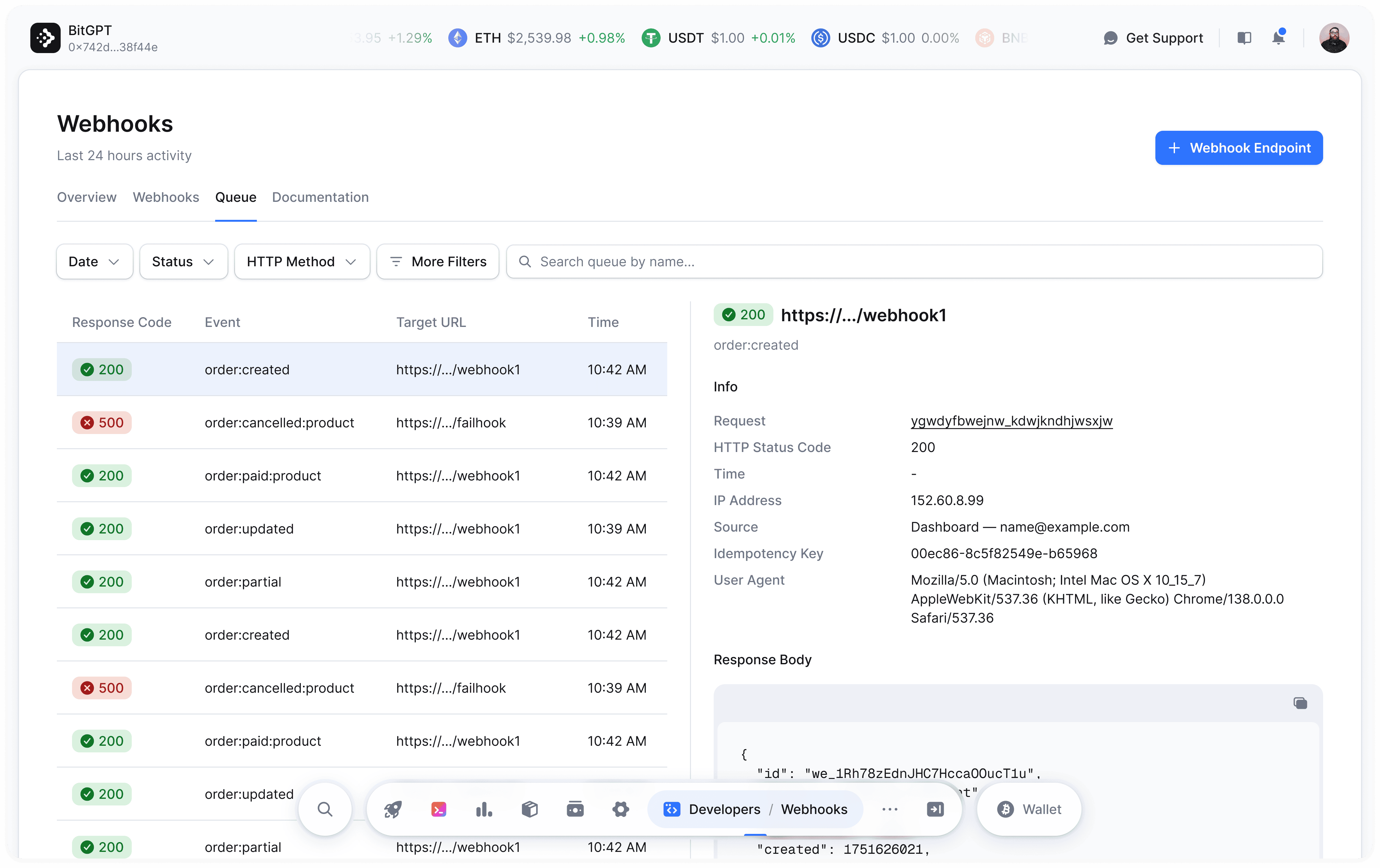
Each attempt to send a webhook is recorded in your webhook logs. Logs include timestamps, request bodies, response status codes, and potential error traces. Before the delivery completes, theresponse_status will be NULL, indicating that it’s still pending.
IP Whitelisting
All webhook requests are sent from the following IP address:138.201.21.56