

redirect_url parameter. This URL determines where the user will be redirected after completing the payment, whether successful, failed, or cancelled (depending on context).
This feature supports dynamic value injection via placeholders, enabling you to personalize the destination based on data from the payment or invoice.
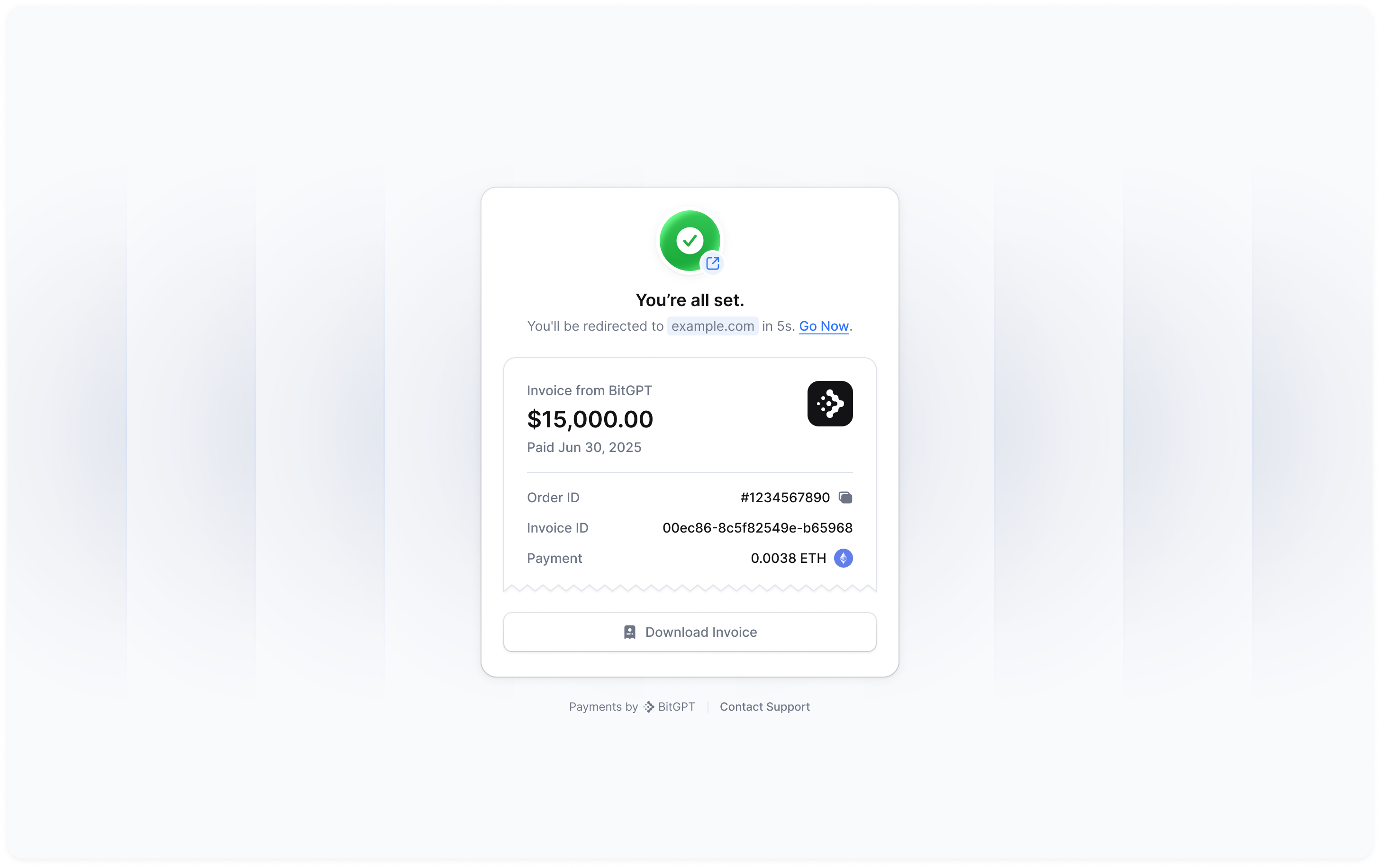
How it works
You pass a redirect_url when creating a payment. This URL may include template placeholders using double curly braces{{ ... }} to reference dynamic data.
At runtime, we will replace each placeholder with the corresponding value from the payment or related invoice.
Template syntax
Placeholders support both dot notation and bracket notation, including array access. Below are valid formats:Examples
Fallback Behavior
If a placeholder references a field that does not exist, we will leave it unchanged in the final URL (e.g.,{{unknown_field}}).
The redirect will still proceed unless the URL is entirely malformed.
We validate the final URL after substitution for security and redirect safety. Invalid URLs are rejected.
Full example
Creating a payment for 50 USD with a redirect link.Accept a payment
Check out our full recipe to accept payments
Payment schema
See the complete payment creation schema
Payload.json