> ## Documentation Index
> Fetch the complete documentation index at: https://docs.bitgpt.xyz/llms.txt
> Use this file to discover all available pages before exploring further.
# Create an Account
> Get started with BitGPT 402pay by creating your account and configuring the required settings
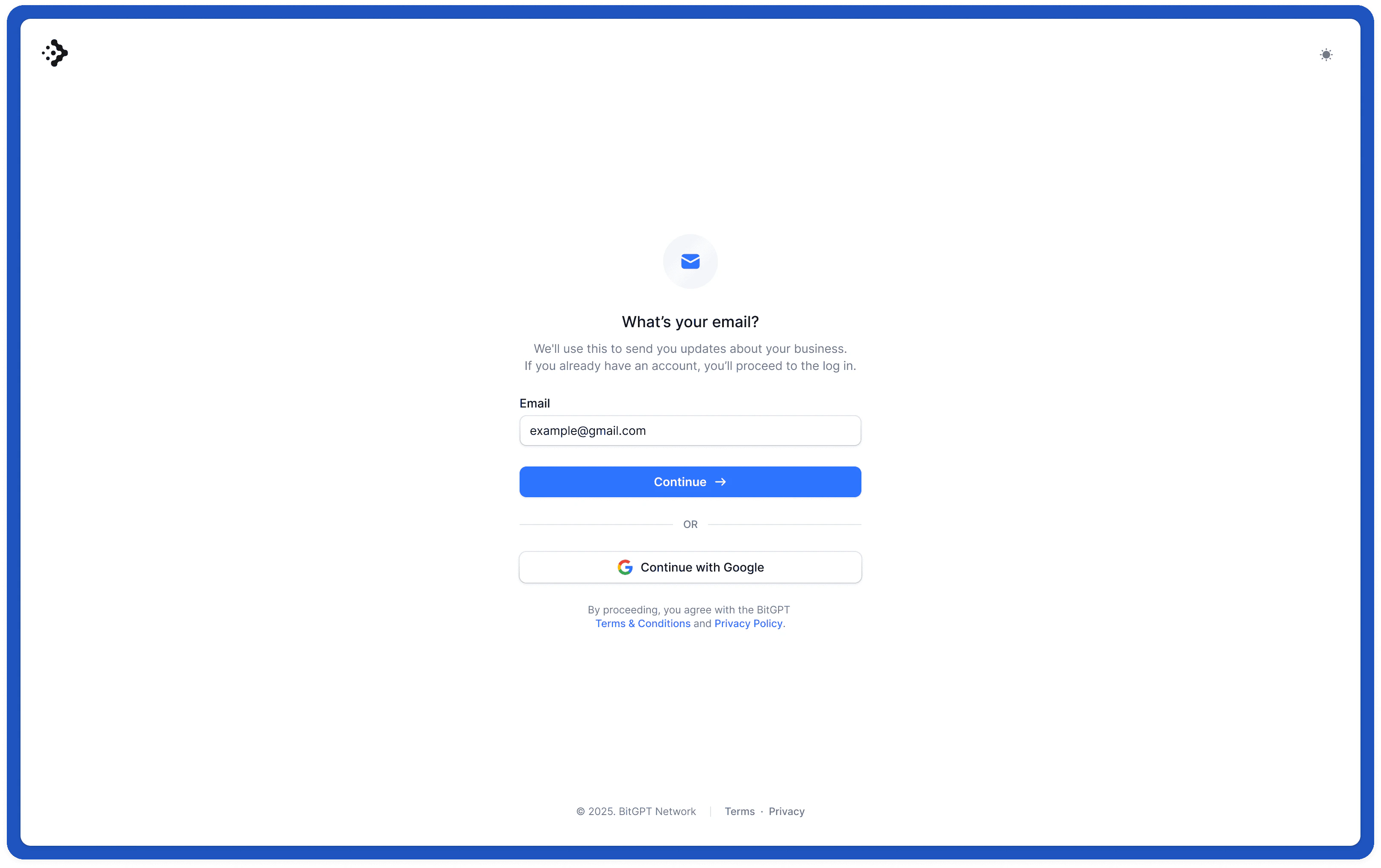
To get started, head over to our [Dashboard](https://dash.bitgpt.xyz), you'll be redirected to the authentication page where you can create your own account. The dashboard will be your main place to manage payments, invoices, customers and your self-custodial wallet.
Learn more about the infrastructure and security principles we have in place to protect your account, funds and data.
After creating your account, you'll go through a brief onboarding phase where we'll ask some questions about your business and expected suage to better tailor your experience.